







Velocity Control Drivers
Atlona Velocity™ is an innovative IP-based AV control platform. It saves valuable time with the ability to configure control systems quickly as well as modify functionality free of extensive programming. The core of any successful AV control system is its ability to monitor and automate the functions of all components within a system. With this in mind, we can evaluate the power of a given control system by the depth and breadth of devices it supports. For Velocity, this is proven in the form of embedded device drivers as well as methods to work with equipment that do not currently have a driver. In addition to all applicable Atlona products, Velocity also has drivers for thousands of third-party AV devices over hundreds of manufacturers. Below are resources for seeing what devices have drivers in Velocity as well as tips for controlling ones that do not.
Velocity Control Driver Database
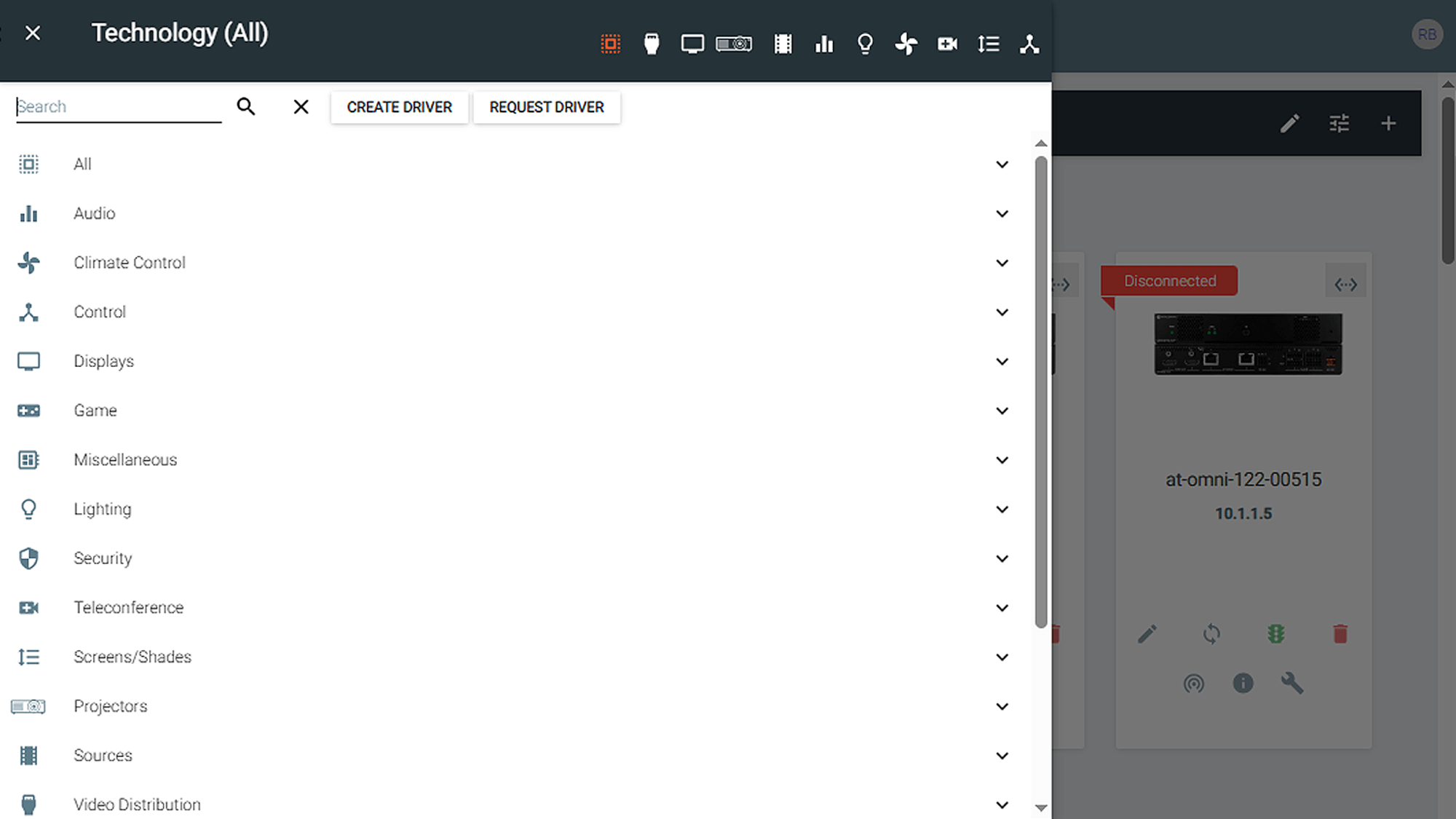
If you have a Velocity hardware or software gateway, drivers for Atlona and third-party devices are embedded in its firmware. To ensure you have access the latest drivers make sure the firmware for your gateway is up to date. Click this link Velocity Firmware to access the latest version.
The easiest way to search the driver database from a Velocity gateway is to go into a room and add technology. From here you can browse by category or simply type in the manufacturer or model name/number.
Note that for certain items such as displays and projectors, a single driver can cover many models and each one may not be specified individually. So, if you do not find the specific model listed, try searching the manufacturer and select a “most models” driver that matches the communication method you intend to use.

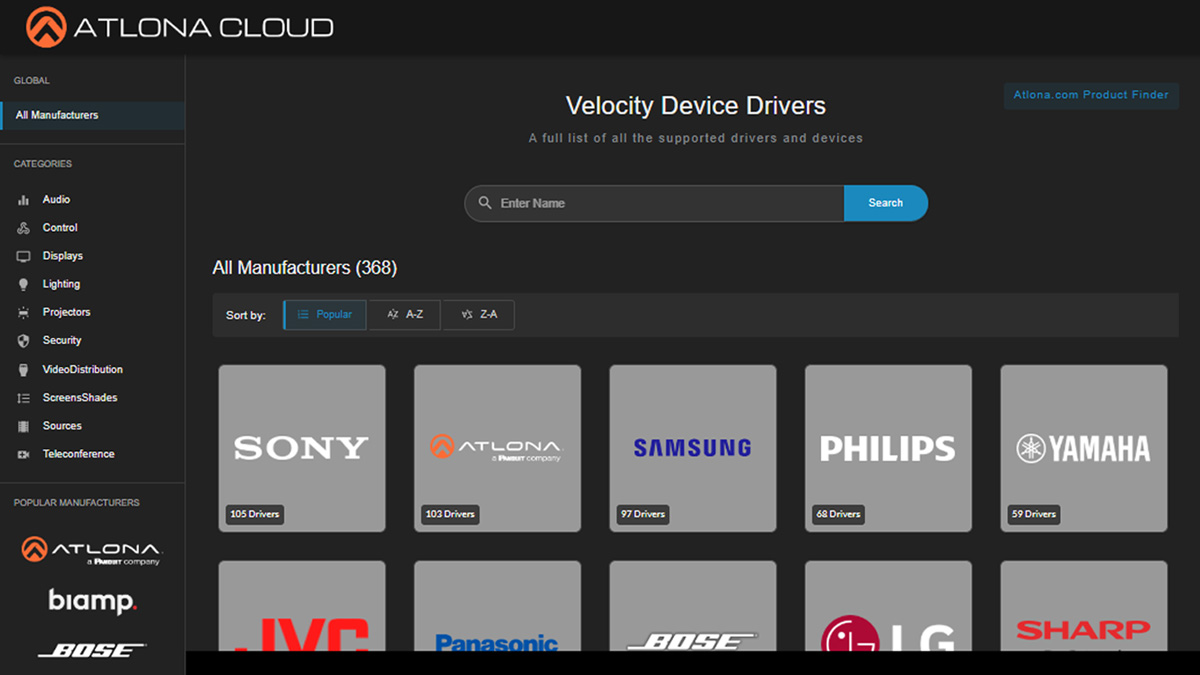
If you do not have access to a Velocity gateway, an online version of the driver database is maintained here, Velocity Device Drivers. On this site you can search by name, brand, or category to determine if there is a driver in Velocity that supports your device.
Generic Drivers and Custom Commands

If there is no driver in the database for your device, the fastest way to control it in Velocity is through a generic driver and custom commands. Note that you will need the API for the device to control it this way.
The following is a list of generic drivers in Velocity:
-
- Generic RS232 Driver
- Generic TCP Driver
- Generic Telnet Driver
- Generic UDP Driver
In your Velocity gateway, select the appropriate room, then add technology, search for the appropriate generic driver, then select add. From the corresponding card in the room, select the pencil icon to configure the driver to talk to your device.
When creating a macro, select the generic driver in the device area, check the Custom Value box, enter the command from the API in the Value area and select the termination method. In this example, Velocity will issue the Power On (PWON) command to my device when the macro is triggered.

Custom Drivers
If you plan to use the device in more rooms or projects, it may be worthwhile to create a custom driver for it in Velocity. For further details on this, please view the Creating Velocity Drivers video.
Additional Resources
Did you know that Atlona offers a wealth of additional support resources to assist you in building-out Velocity-based control systems? Navigate to our Support web page and select the Help Center. There you will find our Velocity Resources Directory with links to documents and video tutorials that provide additional information about working with Atlona’s network-based control system.
